

Inderjit Bhatia
Recommend
4
[Hands-on Reports]AAGame: भारत का नंबर 1 बेटिंग ऐप अभी डाउनलोड करें!
AAGame ऐप डाउनलोड करें और ₹40 का बोनस पाएं।


APP install guide · Real device tested
This is the Android package used in our latest test
Tap Download button to download APK file

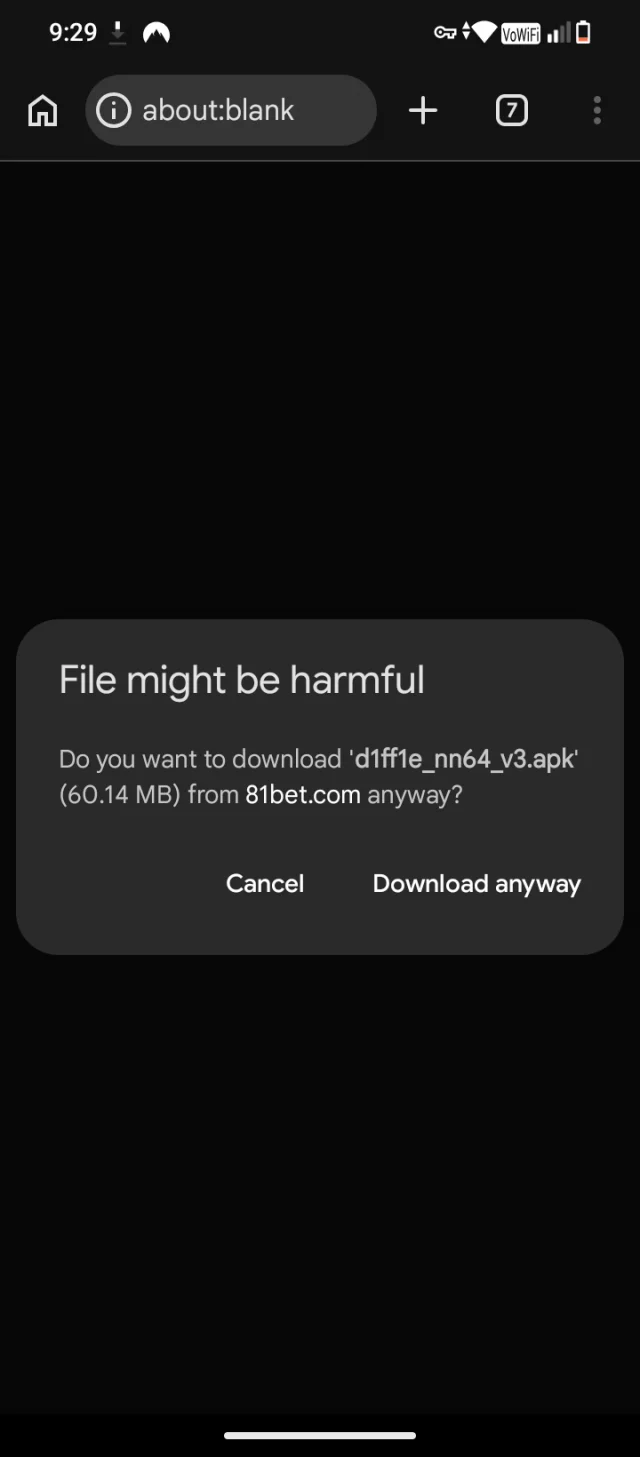
Tap Download anyway or Keep file. This is normal for APKs not from Play Store.
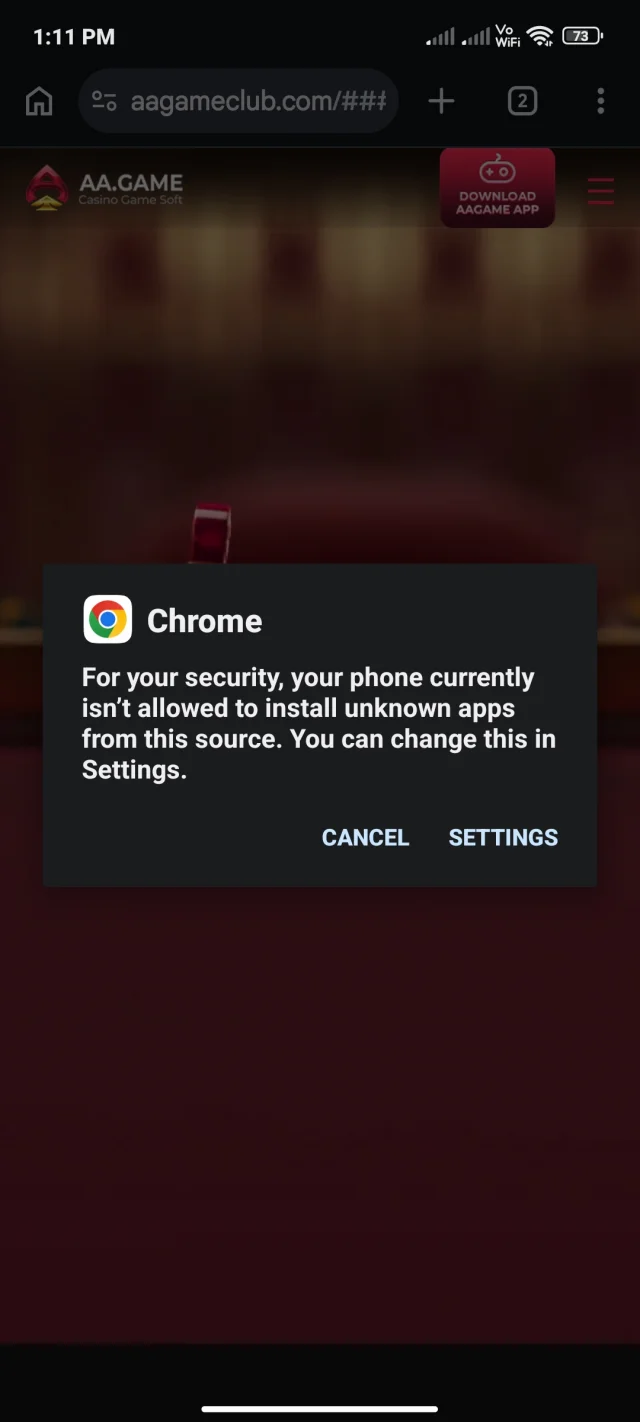
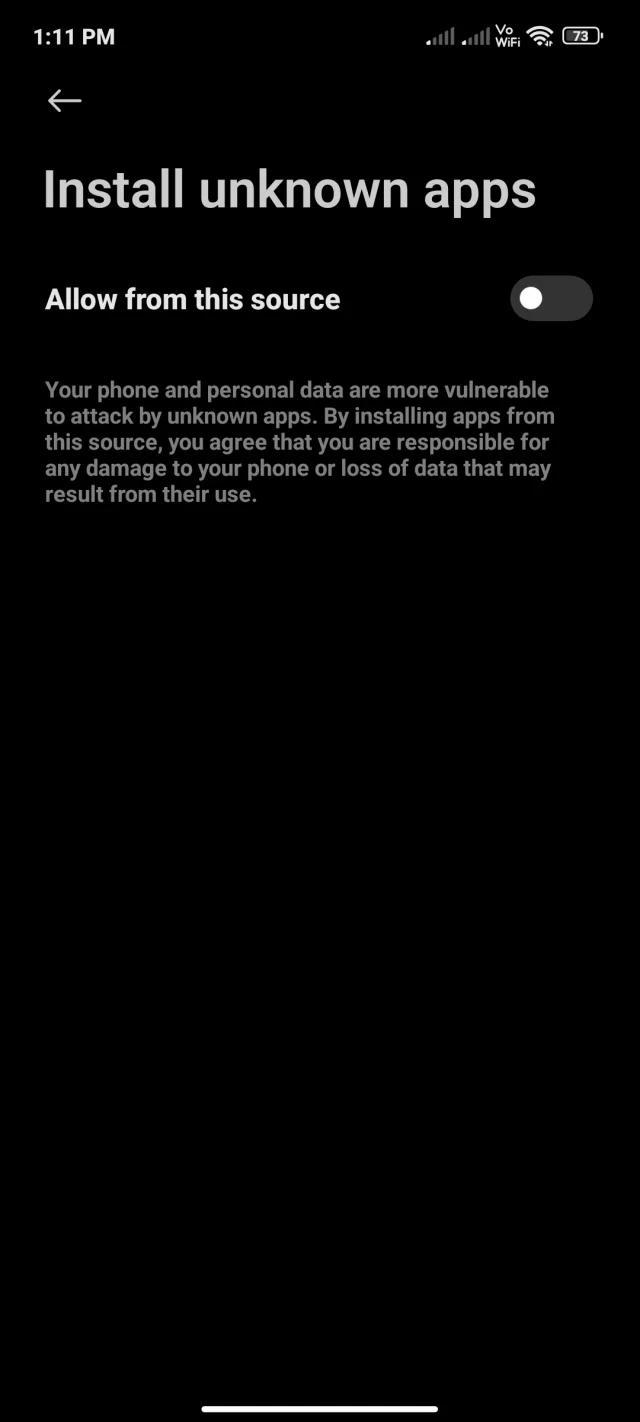
Go to Settings -> Apps -> Special access -> Install unknown apps -> select your browser -> Allow.
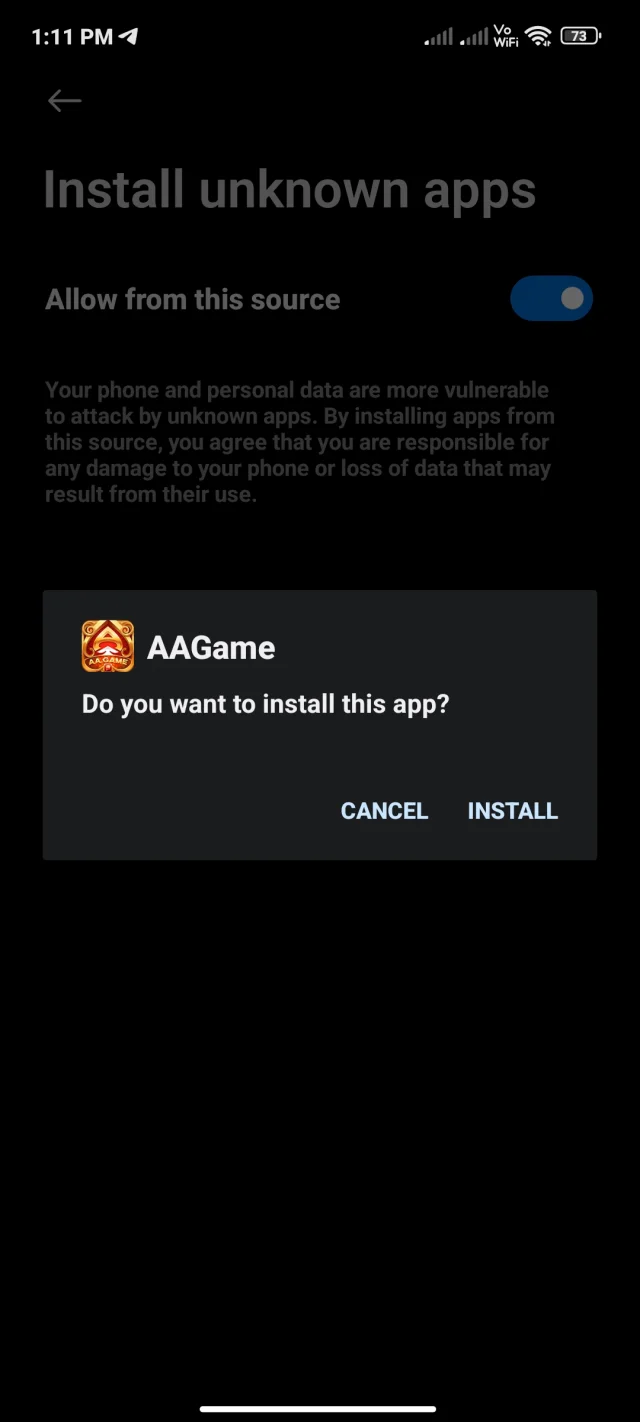
Open the downloaded file from notification or Files app. Tap Install. It usually takes less than 1 minute.
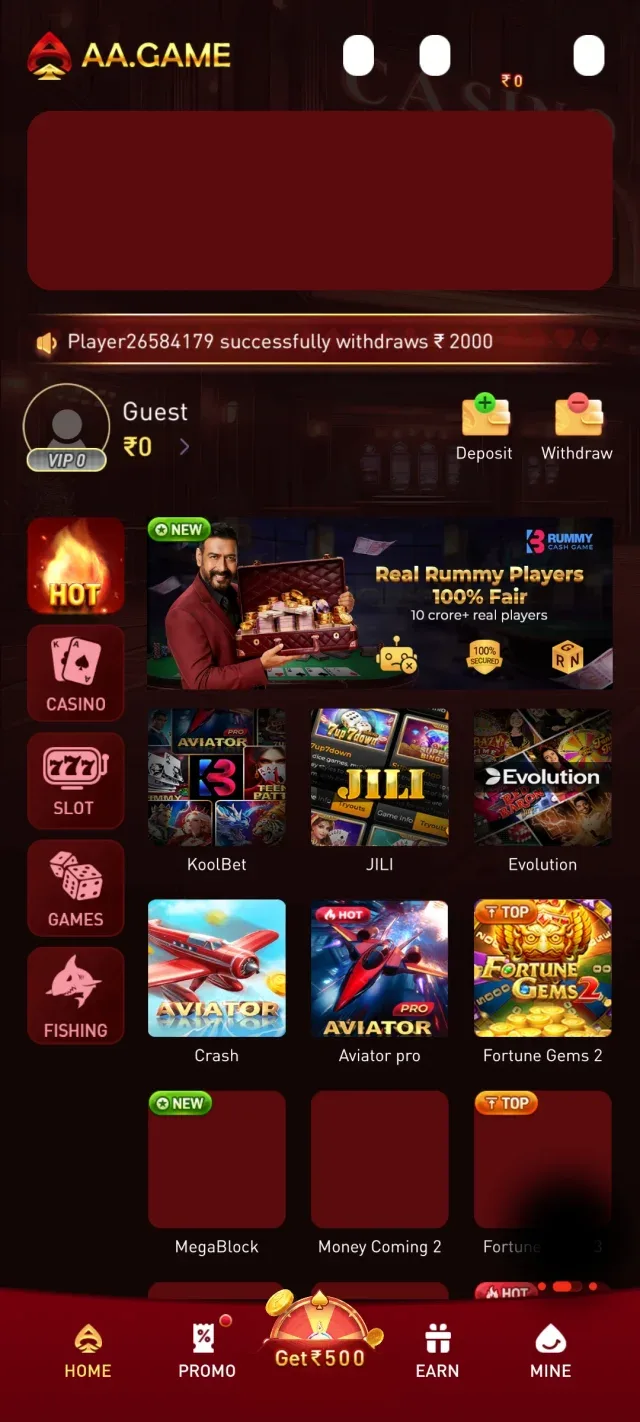
After install, open it. You still need to register or login with your mobile number. The app looks more faster than website.
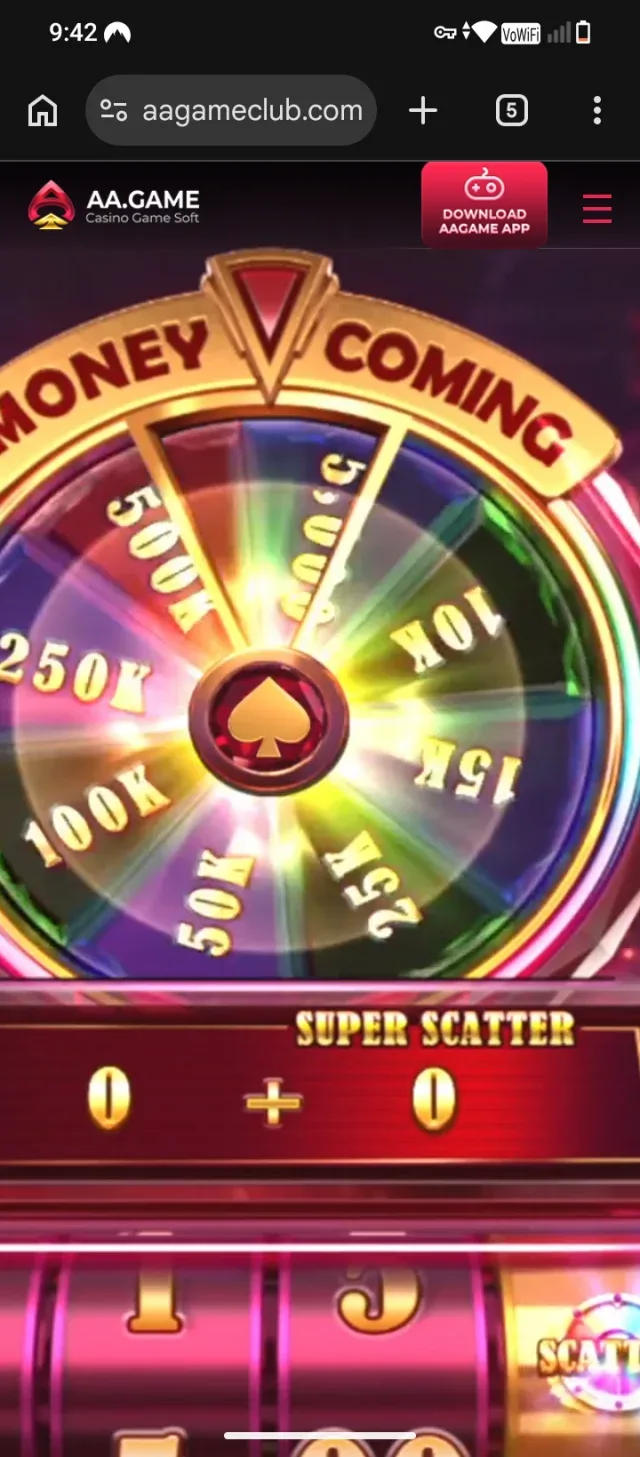
Visit official website and click on download option
Tap Download anyway or Keep file. This is normal for APKs not from Play Store.
This is an independent, community-driven space for player payment channel reviews and experiences. While we provide intelligence on the fastest verified routes, we do not handle or process any financial transactions. For all secure deposits and withdrawals
Please use the verified [Official Secure Portal] above.
AAGame ऐप डाउनलोड करें और ₹40 का बोनस पाएं।
Review to help others choose. Your voice matters.
Click on register button and enter mobile number you will receive code enter that and provide other details